
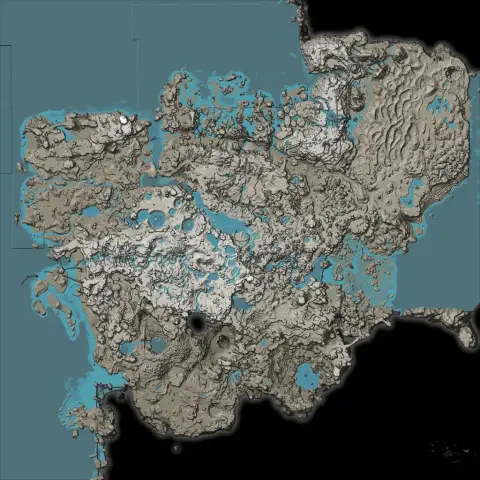
What is on the map
Marker positions come straight from the game's level files for update 1.2, so counts match what you find in a fresh save.
- resource nodes
- 459
- power slugs
- 1,242
- hard drives
- 118
- Mercer Spheres
- 298
- Somersloops
- 106
- resource well satellites
- 118
- geysers
- 31
- creature spawns
- 2,256
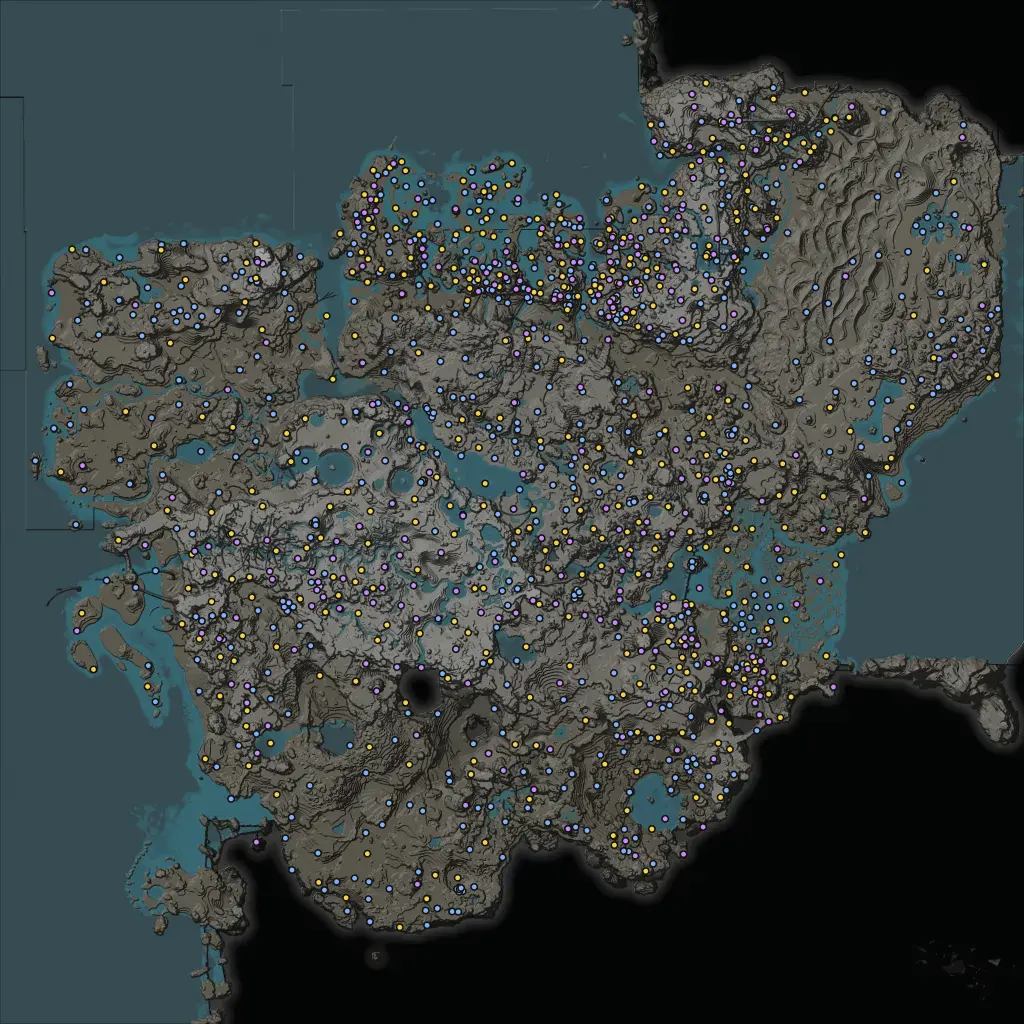
Built for planning, not just looking
Progress tracker with no account
Mark hard drives, slugs, Somersloops and Mercer Spheres as collected. Progress lives in your browser and exports to a file you can move between PCs.
Base location finder
Pick iron, coal and limestone, set a radius, and the map ranks the spots where those nodes sit closest together.
Links that open the exact view
Every marker and every view has a link. Paste it in Discord and your friends land on the same node, zoom and filters.
Distance and altitude
Measure belt and rail runs in metres, and check a node's altitude before you plan a cliff-side factory.
Location guides
Each guide lists every location with region, purity and coordinates, plus extraction rates and tips.
Collectibles
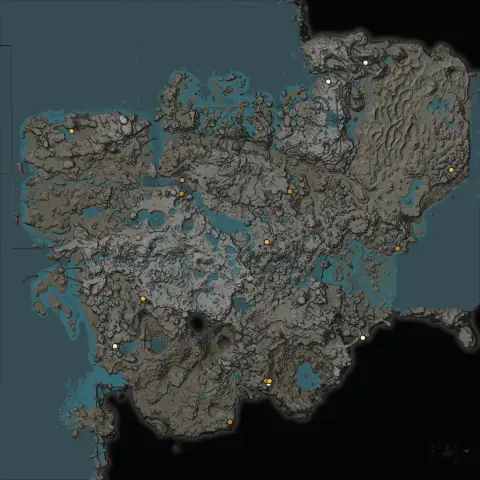
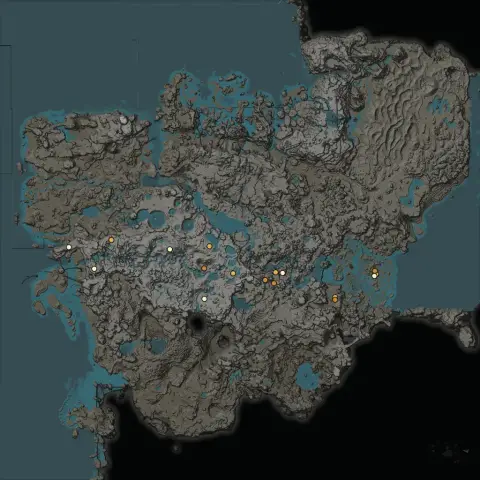
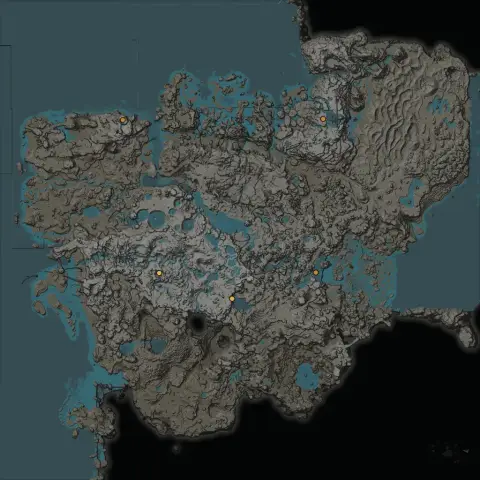
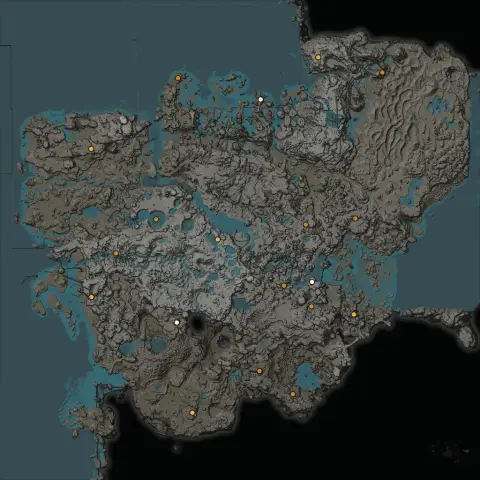
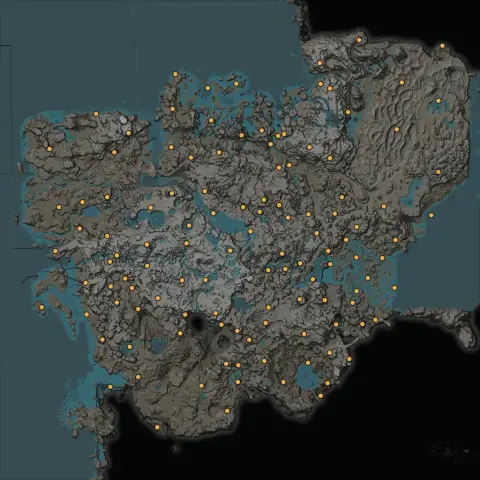 Hard Drives118 locations
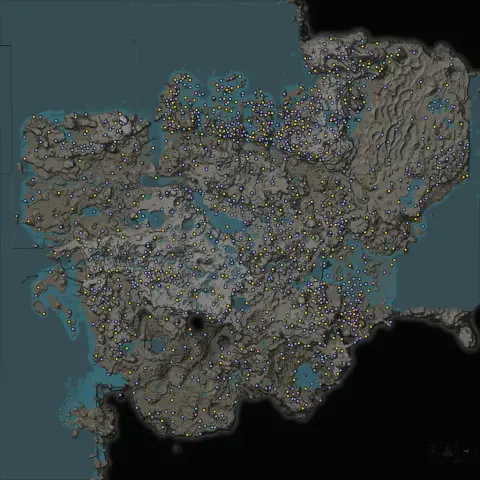 Power Slugs1,242 locations
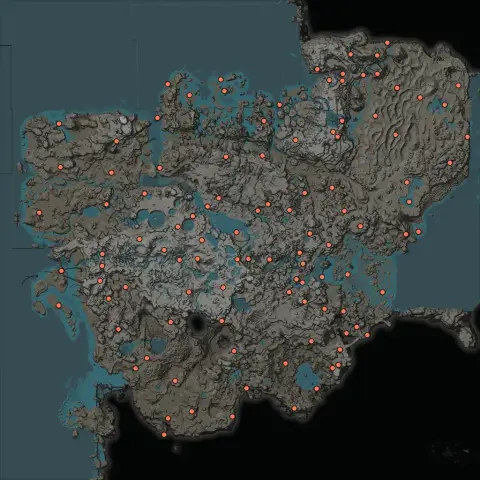 Somersloops106 locations
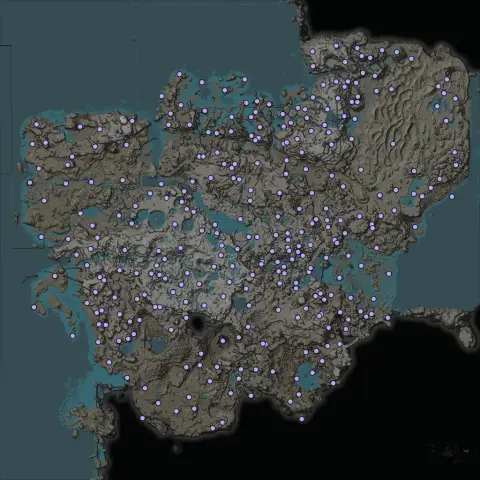 Mercer Spheres298 locations
Resources
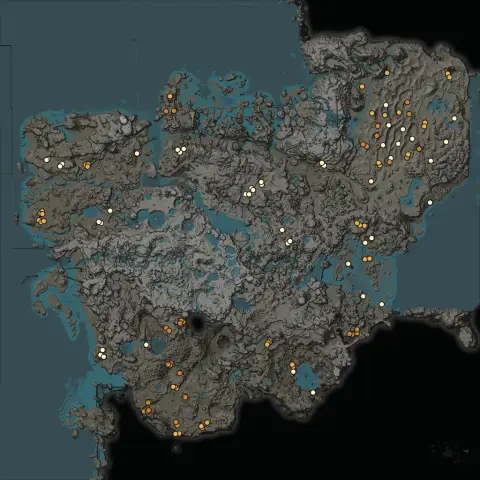
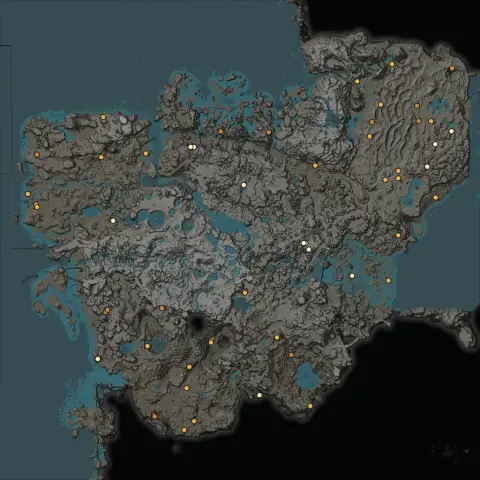
About this Satisfactory interactive map
Everything you need to find resources, collect every artifact and plan a factory, on one free map that works in any browser.
What the Satisfactory interactive map does
Satisfactory Interactive Map is a free, browser-based map of the whole world of Satisfactory, built from the game's own data for update 1.2.4. It shows every resource node with its purity, every resource well, geyser and crash site, and every collectible you can pick up, from power slugs to Somersloops. You can filter what you see, search for a place or an item, measure distances, mark what you have collected and share an exact view with a link. There is nothing to install and no account to create.
Most players keep a Satisfactory map open on a second screen for a whole playthrough. This one is made for that job: it loads quickly, stays smooth with thousands of markers on screen, and remembers your filters and progress the next time you open it.
A resource map with every node and its purity
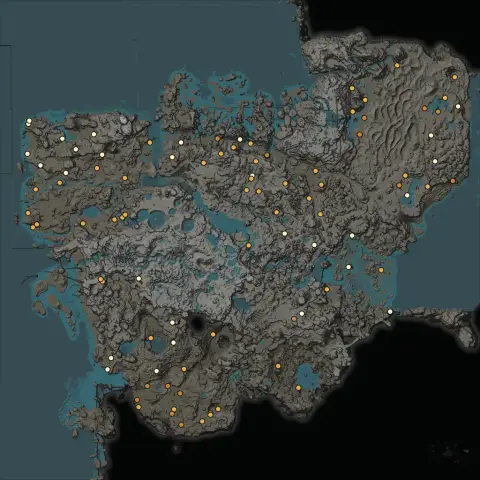
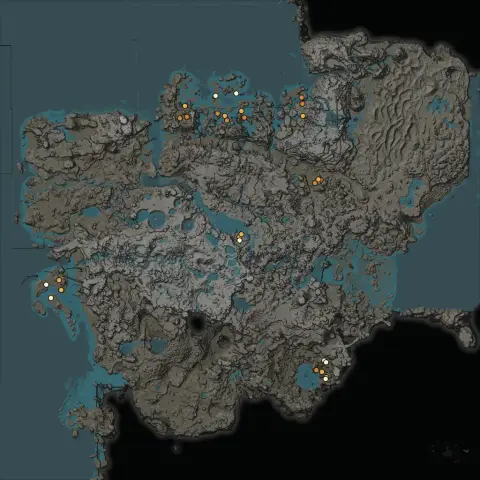
The map shows all 459 resource nodes in the standard world: iron, copper, limestone, coal, caterium, raw quartz, sulfur, bauxite, uranium, SAM and crude oil. Each marker shows its resource by colour and icon, and pure nodes carry a gold ring so you can spot them from across the map. Iron alone has 127 nodes, so hiding the impure ones and seeing only the pure iron nodes saves real time when you plan a steel or motor line.
Resource wells for water, nitrogen gas and crude oil appear with every satellite node and pressurizer spot, along with all 31 geysers for geothermal power. Each resource also has its own location guide with a region-by-region count and the coordinates of every node.
Hard drive locations, with what each crash site needs
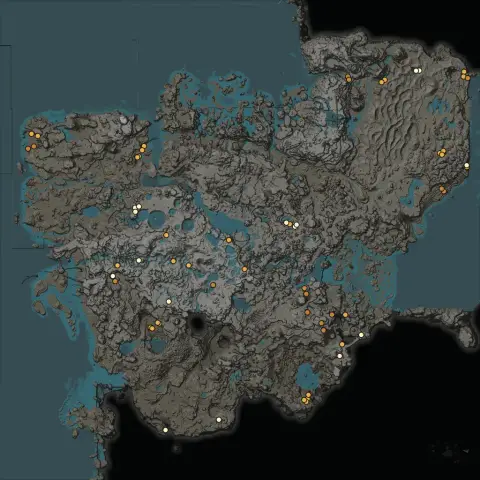
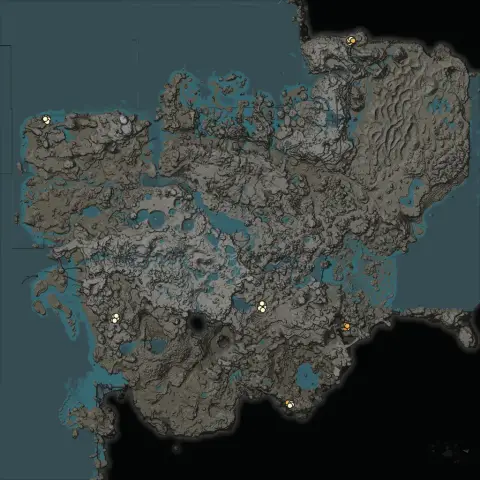
There are 118 crash sites in Satisfactory, and each one holds a hard drive that unlocks an alternate recipe. Finding the drop pod is only half the job, because many pods need power or parts before they open. Click any hard drive on this map and the popup shows exactly what it needs: 28 pods open freely, 23 need a power supply between 10 and 420 MW, and 67 ask for parts such as rotors, motors or heavy modular frames.
The popup also lists the creatures and hazards guarding the site, from Alpha Spitters to gas pillars, so you know whether to bring a rifle, a gas mask or both. Type an item name such as Rotor into the search box and the map lists every crash site that asks for it. The hard drive guide has the full table.
Power slugs, Somersloops and Mercer Spheres
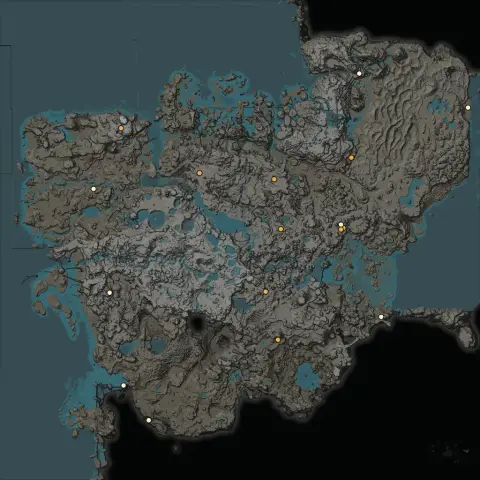
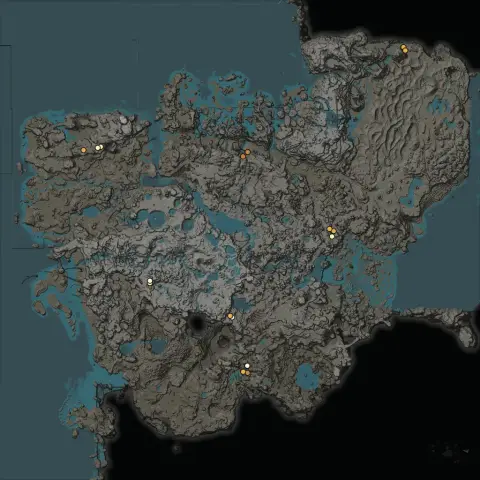
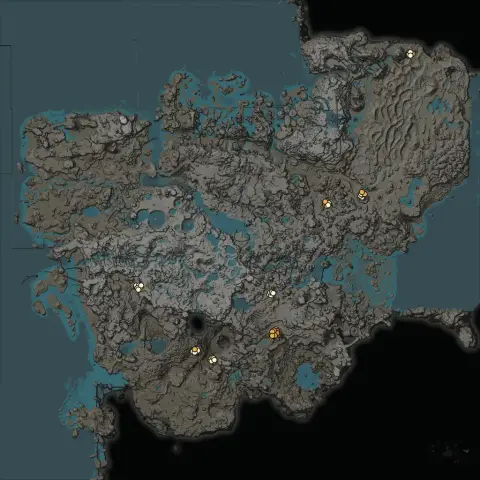
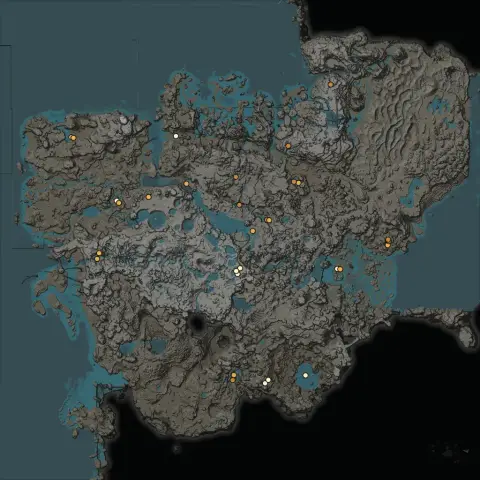
Power slugs become Power Shards that overclock your machines, so most players want every one they can find. The map has all 1,242 of them: 596 blue, 389 yellow and 257 purple. It also shows all 106 Somersloops, which double a machine's output once researched, and all 298 Mercer Spheres, which feed the MAM research behind the Dimensional Depot.
Turn on only the layers you are hunting, then mark each item as collected when you pick it up. Collected markers fade out, or disappear completely with Hide collected. Progress is saved in your browser, so you can close the tab and carry on tomorrow. See the guides for power slugs, Somersloops and Mercer Spheres.
Plan your base before you build
Where you build is the decision you live with longest. The base location finder does the searching for you: pick the resources your factory needs, set a radius, and it ranks the spots where those nodes sit closest together, with pure nodes counting more than impure ones. Each result shows how many nodes of each type are in range.
Once you have a spot, use the measure tool to check belt and rail distances in metres, and read each node's altitude in its popup before you commit to a cliff-side build. Switch between the game map and the terrain view to see the real shape of the ground, and turn on the hazards layers to see destructible rocks, gas pillars and spore flowers before you clear an area.
Search, notes and links you can share
The search box finds regions such as Grass Fields or Dune Desert, layers such as Bauxite, and coordinates you paste from a guide or from the game. Pin your own notes anywhere on the map to remember a planned train station or a cave you want to come back to. Notes are saved with your progress, and Export writes both to a file you can import on another PC.
Every view has its own link. The address updates as you pan, zoom and change filters, so you can paste it into Discord and your friends see the same node at the same zoom.
How to use the map
- Open the Layers panel and choose what to show. Resource nodes, hard drives and Somersloops are on by default.
- Use the purity buttons to hide impure or normal nodes when you only want the best ones.
- Click any marker to see its purity, region, coordinates and altitude, and for hard drives, what the pod needs to open.
- Press Mark collected on each collectible you pick up, and turn on Hide collected to clear them away.
- Use the tools in the top-right corner to measure a distance, add a note, copy a link or go full screen.
Accurate data, fast on any device, in eight languages
Marker positions are read straight from the game's level data, not traced from screenshots, so the counts match a fresh save exactly. When an update moves anything, the map is rebuilt from the new files, and the game version is printed in the footer of every page.
The map works on desktop, tablet and phone. On small screens the layer list slides up from the bottom and the map supports pinch zoom. It is available in English, Español, 日本語, Français, Deutsch, Português, 한국어, Italiano, so you can share this Satisfactory interactive map with friends in their own language.
Frequently asked questions
What is the Satisfactory interactive map?
It is a free online map of the Satisfactory world that shows every resource node, resource well, geyser, hard drive crash site, power slug, Somersloop and Mercer Sphere from update 1.2. You can filter layers, search, measure distances, find base locations and track what you have collected, all without an account.
Is the Satisfactory interactive map free?
Yes. Every feature, including the progress tracker, base location finder, search and notes, is free to use and needs no sign-up.
Where are the hard drive locations in Satisfactory?
There are 118 hard drives, one in each crash site. Turn on the Hard Drives layer to see all of them. Each popup shows what the drop pod needs to open: nothing, a power supply, or a number of parts such as rotors or motors, plus what guards the site.
How many power slugs are there in Satisfactory?
There are 1,242 power slugs in the standard world: 596 blue, 389 yellow and 257 purple. The map shows every one, and you can mark each slug as collected so you know which are left.
Where can I find Somersloops and Mercer Spheres?
The map shows all 106 Somersloops and 298 Mercer Spheres. Most of them sit in or next to alien structures, often in caves, on cliff faces or in dangerous biomes. Turn on their layers and use Hide collected to see only the ones you still need.
Is this Satisfactory map up to date?
Yes. The markers are read from the Satisfactory 1.2 level files, which still hold the same resource nodes, slugs, crash sites and artifacts as the current release. If a patch moves anything, the data is rebuilt from the new files.
How do I track collected hard drives and power slugs?
Click a hard drive, slug, Somersloop or Mercer Sphere and press Mark collected. Turn on Hide collected to clear them off the map. Your progress is saved in this browser, and Export gives you a file you can import on another device.
Are resource nodes in the same place in every save?
In the standard world, yes. Node positions and purities are fixed by the map, so every unmodded save has the same 459 resource nodes. Mods that randomize nodes will not match this map.
How do I find a good base location?
Open Base finder in the map tools, select the resources your factory needs and pick a radius. The finder ranks spots by how many nodes are in range, with pure nodes counting four times as much as impure ones.
Does the map work on phones and tablets?
Yes. On small screens the layer list opens as a sheet from the bottom, and the map supports pinch zoom. Progress you mark on your phone stays on your phone unless you export it.
What do impure, normal and pure mean?
Purity sets how fast a miner extracts from a node. A normal node gives twice the output of an impure one, and a pure node gives twice the output of a normal one. A Miner Mk.1 makes 30, 60 or 120 items per minute on impure, normal and pure nodes.